Showing posts with label chat. Show all posts
Showing posts with label chat. Show all posts
Sunday, October 16, 2016
How To Use Facebook Chat Without Installing The Facebook Messenger App
How To Use Facebook Chat Without Installing The Facebook Messenger App
If you have been using the Facebook mobile app, you will know that Facebook no longer allows you to send messages from the app, be it for Android or iOS. Apparently the aim behind this is to encourage users to download the Facebook Messenger app that is solely for sending and receiving messages. However, some users just don’t like it as they have to go through a couple of screens only to send someone a “Hi”. Fortunately, there is now a way, actually two, to help you overcome this new restriction by Facebook.
Note: In order for this tweak to work, your iDevice must be jailbroken.
Here’s how you can get the said tweak installed on your device:
This does not require your device to be jailbroken or rooted. It works on any device out there.
Congrats! Despite Facebook’s restrictions on using the messaging functionality in the official app, you have figured a way out of this.
I Hope This Article Helps You If You Getting Any Problem Related That Article You Can Comment In Below Comment Box We Will Help You And You Are Wanted Any Trick Or Software Or Hack You Can Contact Us We Will Try To Give That Article We Happy To Help You All Guys.Thank You Share And Subscribe Us.

For iOS
If you own one of those Apple devices running iOS, and have jailbroken your phnoe, then you are in luck. A new Cydia tweak that has only come into existence lately allows you to use the messaging feature right in the official Facebook app, without having you to download the Messenger app.Note: In order for this tweak to work, your iDevice must be jailbroken.
Here’s how you can get the said tweak installed on your device:
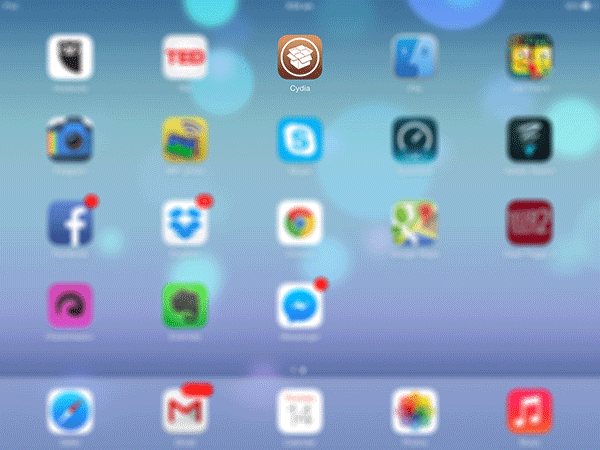
- Tap on the “Cydia” icon to launch the Cydia app.
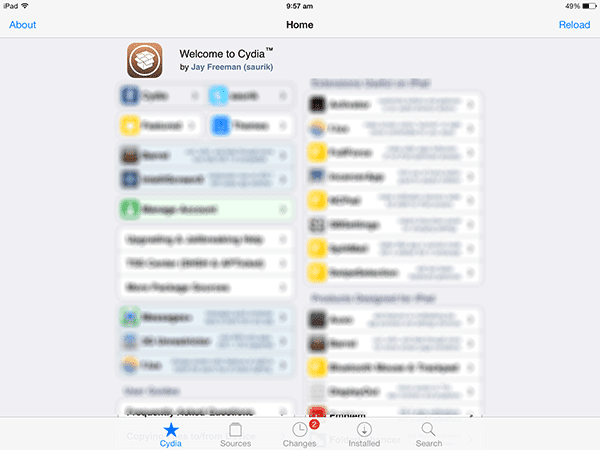
- On the screen that follows, tap on “Search”. It will let you search the repositories that you have added in the Sources tab.
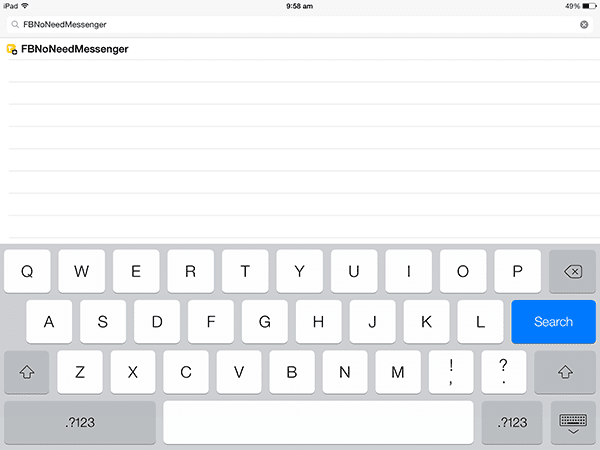
- Type in “FBNoNeedMessenger” in the search box and the tweak should come up. Tap on the tweak title, and it will take you to the page from where you can install it.
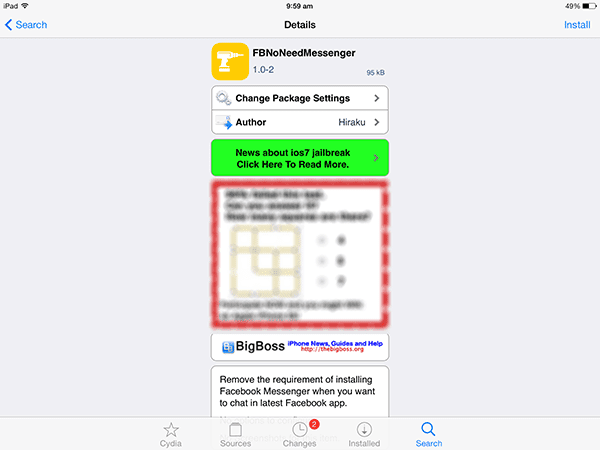
- On the next screen, tap on the “Install” button given in the top-right corner. Follow the on-screen instructions to install the tweak on your device.
- You Are Done Now You Can Receive And Send Messages.
For Android And iOS
If your iDevice is not jailbroken or if you have an Android device, here’s how you can get the messaging functionality back on your device.This does not require your device to be jailbroken or rooted. It works on any device out there.
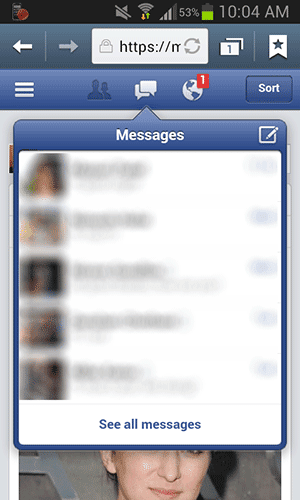
- Open the web browser of your choice on your device – the default browser, for example – and type in the URL “www.facebook.com” (without quotes) and hit Enter. Get yourself logged-in, if you are not already.
- Tap on the messages icon in the center and you should be able to see all of your Facebook conversations.
- You can now read as well as send messages right there.
Congrats! Despite Facebook’s restrictions on using the messaging functionality in the official app, you have figured a way out of this.
I Hope This Article Helps You If You Getting Any Problem Related That Article You Can Comment In Below Comment Box We Will Help You And You Are Wanted Any Trick Or Software Or Hack You Can Contact Us We Will Try To Give That Article We Happy To Help You All Guys.Thank You Share And Subscribe Us.
Dont Forget To Like And Follow..
Available link for download

Tuesday, October 11, 2016
Fixed Cant connect to chat Nokia Lumia Windows Phone 8
Fixed Cant connect to chat Nokia Lumia Windows Phone 8
How to fix "Cant connect to chat " Nokia lumia.
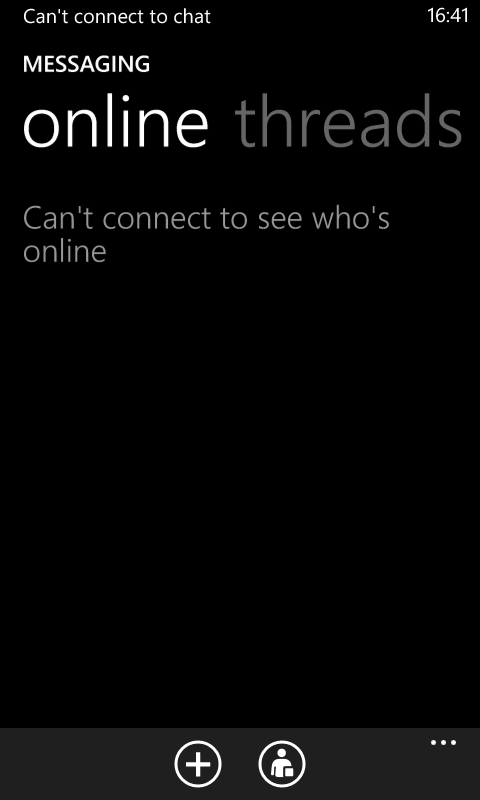
Try the following steps as it is mentioned below. Make sure the battery saver option is off before you try this
- Turn of Facebook Chat.
- Set Chat status to Offline.
- Go to Settings > Battery Saver option.
- Turn on Battery saver.
- Go to Advanced Settings of Battery Saver.
- Tap on each of the three options there from bottom to top one after another.
- Come back and turn off the Battery Saver.
- Restart the phone.
- Go back to messaging and turn on Facebook Chat.
- Set chat status to available. Enjoy :)
OR
Visit Following Video Tutorial for more information .
#NokiaLumia #TheGameChanger
Available link for download
Subscribe to:
Posts (Atom)